

We regularly ship improvements to Flush — new features, better climate control, and fixes — as free over-the-air software updates. Installing a Flush software update only takes a few minutes, and this guide walks you through turning updates on and installing them on your unit.
Turning software updates on
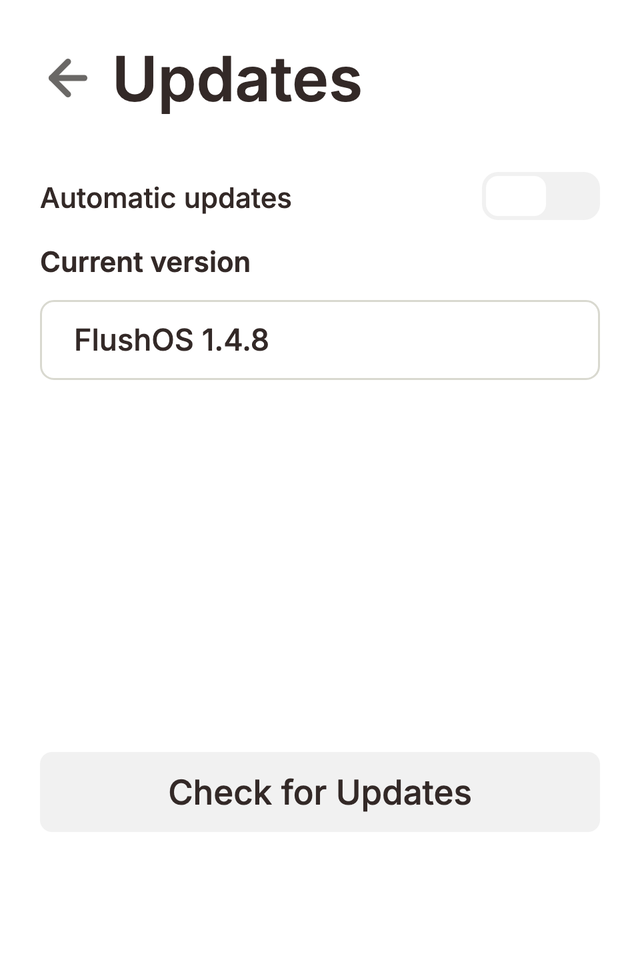
Software updates need Wi-Fi. With the unit online, turn on Allow software updates (found with the software update settings), and an Updates entry appears in Settings.
Installing a software update
- Open Settings → Updates.
- The screen shows your current software version and checks for a newer one.
- If an update is available, tap Install. The unit downloads the new software, shows progress on screen, and restarts itself.
You can also turn on Automatic updates so your Flush installs new versions on its own and always stays on the latest software.
Don't switch the unit off while a software update is
installing. The climate control picks up right where it left off after the
restart, and a brief update won't bother your mushrooms.