

Pairing your Flush to your Grolia account links your benchtop mushroom growing cabinet to the Grolia web app, so you can check on your grow, see live readings, and adjust settings from anywhere. It only takes a minute — you just enter a short pairing code on the unit.
Before you start
- Your unit needs to be connected to Wi-Fi.
- You'll need a Grolia account — sign in at app.grolia.com.au on your phone or computer.
How to pair your Flush
- In the Grolia web app, choose to add a device — it shows a pairing code.
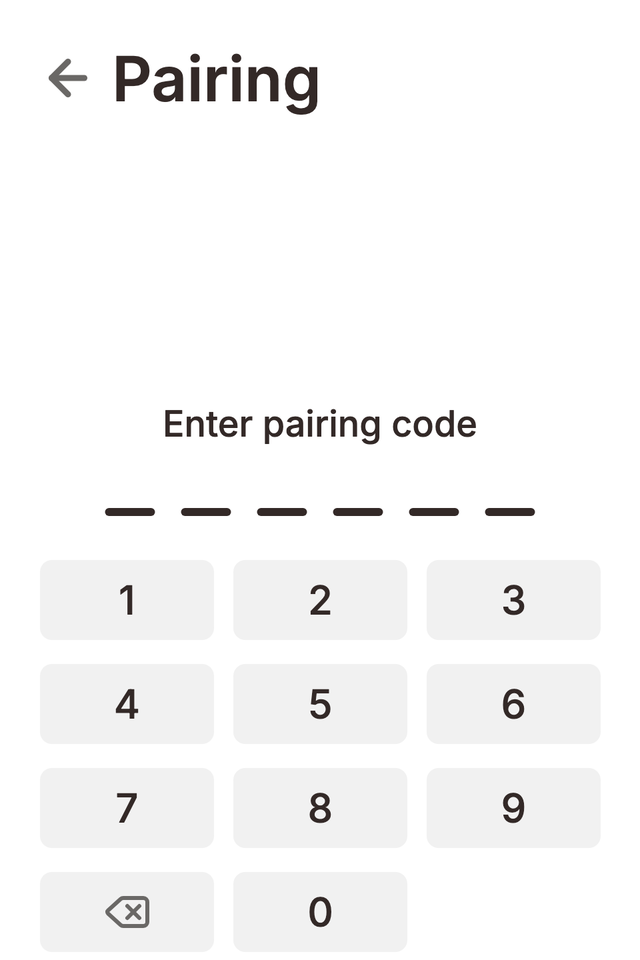
- On your Flush, open Settings → Pairing.
- Enter the code on the unit's dialpad and submit.
When pairing succeeds, the unit shows the Grolia account it's paired to, and your Flush appears in the web app dashboard with live temperature, humidity, and grow readings — handy for keeping an eye on your mushrooms remotely.
Unpairing your Flush
Open Settings → Pairing and choose Unpair to unlink the unit from your Grolia account — useful if you're moving your Flush to a different account or passing it on. You can pair again at any time.