

Advanced mode gives you direct control over the growing environment — ideal once you know what your species likes, or when you're experimenting. It's the quickest way to dial in the temperature, humidity, and CO2 your mushrooms need to fruit well inside your Flush cabinet.
Setting temperature, humidity and CO2 for growing mushrooms
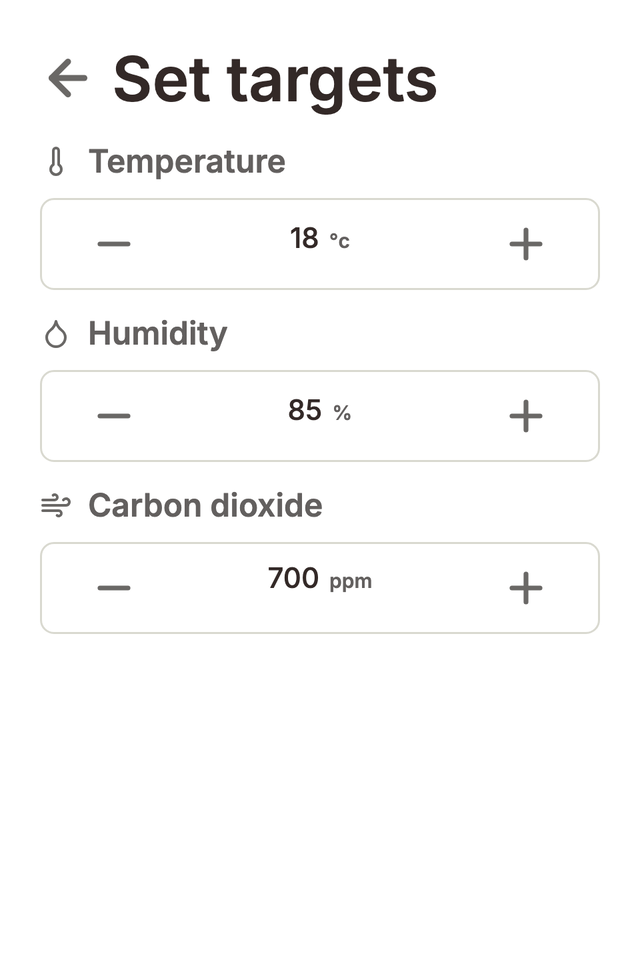
From the Home screen, open Set targets and choose your temperature, humidity, and CO2 targets for growing mushrooms. Once you set your levels, Flush automatically heats, cools, humidifies, and exchanges fresh air to hold the chamber at your numbers — so the growing conditions stay steady while you're away.
What the numbers mean for growing mushrooms
Every mushroom species has its own preferred growing conditions. Here's a quick guide to the temperature, humidity and CO2 levels that suit most gourmet varieties, so you can set your targets with confidence.
- Temperature — most gourmet species fruit happily between 16–24 °C, but check the ideal temperature range for your species.
- Humidity — fruiting mushrooms generally want 85–95% relative humidity so pins don't dry out.
- CO2 — lower CO2 (more fresh air) encourages well-formed caps; higher CO2 encourages longer stems. The right CO2 level varies widely between species.
Lighting
In Advanced mode you also control the grow light schedule from Settings → Lighting — automatic wake/sleep times or fully manual control.